Glad to see you here!
In this masterclass, you'll get insider information about the what, the why and the how - and easy it is to work with a green screen...
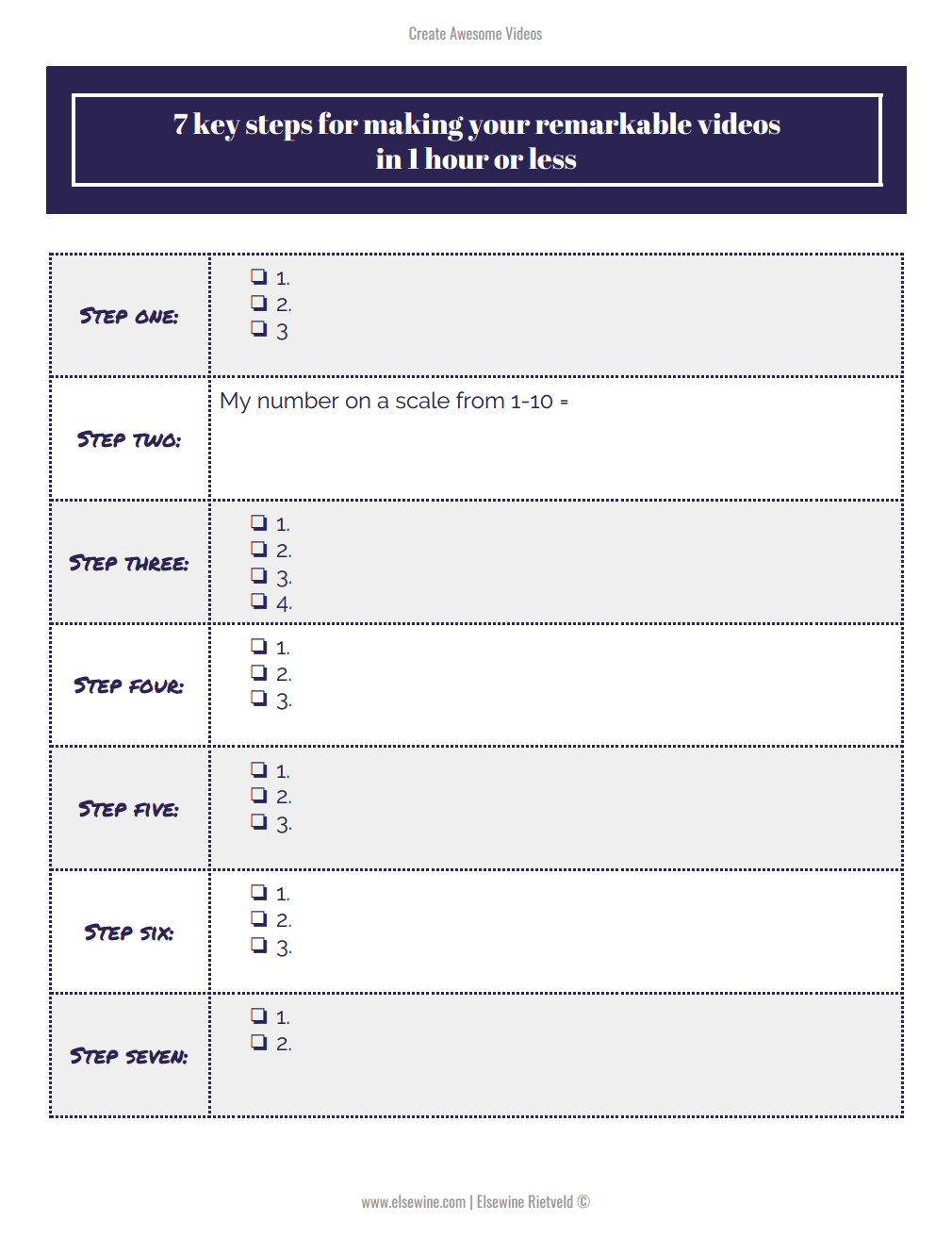
Before you start: - Download the dynamic worksheet below: It's a fillable PDF, meaning you can either print it out or just save it and open in Adobe Reader, to take and save your notes. (yes, it's important to save the doc first, otherwise you might lose your notes).
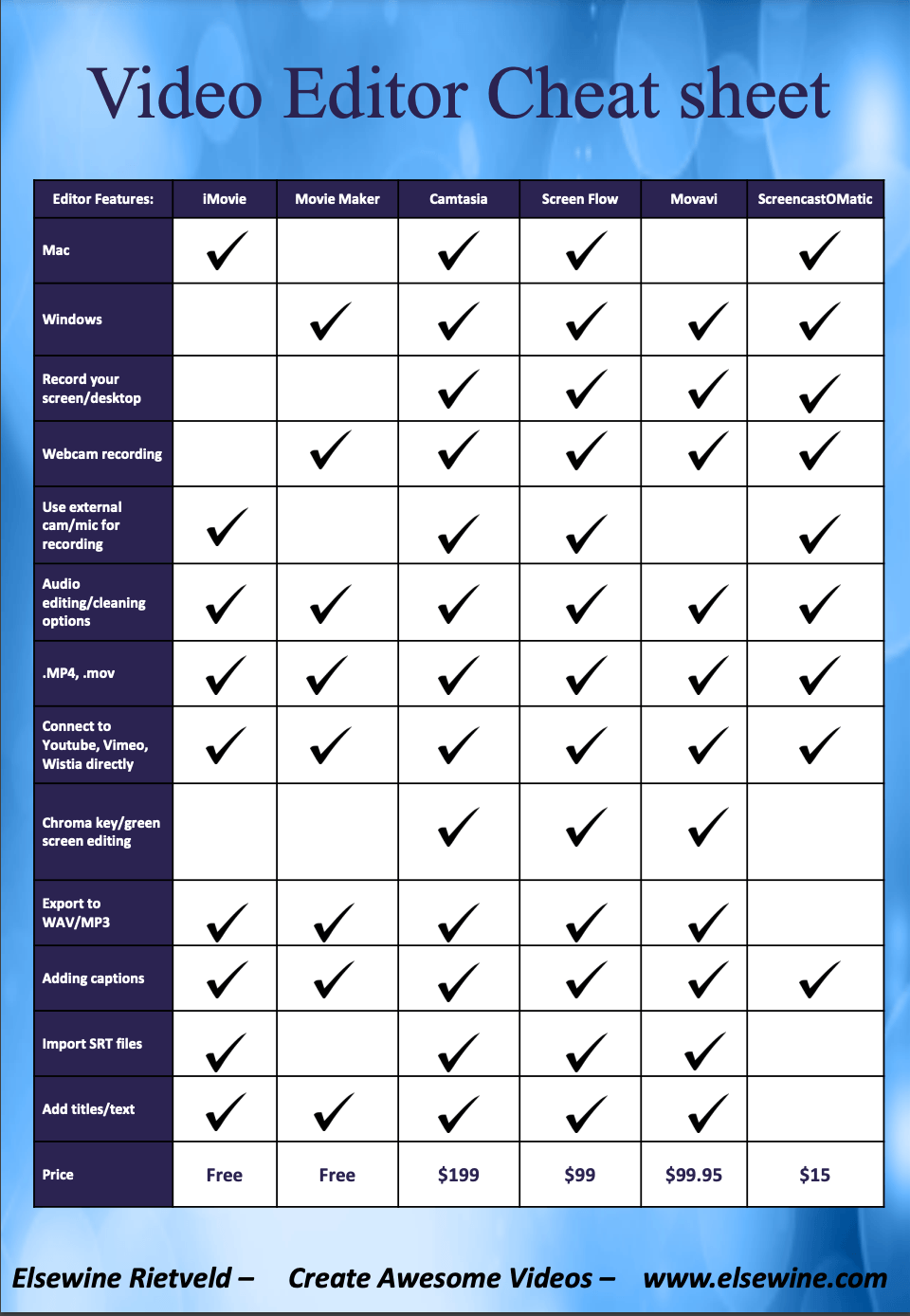
- Download the Video Editor Cheatsheet below: It's a PDF with an overview of a few editors (feel free to use anyone that is not mentioned here, these are merely an indication). *** UPDATE ***
When I got my Macbook, the guy in the store said it is not possible to edit green screen with iMovie, the free editing tool.I also tell this in the masterclass. Just recently it got to my attention, that you actually CAN do this - select your video and in the right top where you see "cutout" select the arrow next to it and click the second item "green/blue screen editing"!
If you found value in this Masterclass, you’ll love my 10-day Create Awesome Videos course even more because it goes so much deeper into creating videos with confidence. Topics of the training:
Best Practices from the Confidence Creation Framework.
Your Video Content Strategy (with at least 75 topic ideas!).
The best way to make videos, do's & don'ts.
How to make longer videos and your own online courses.
The P.I.R.A.T.E. technique of doing Live videos. Click here to learn more and sign up.
Here's what others say about working with me: